AutoCAD Training for Appointed Persons
Delivered by chartered engineers fluent in both the software and the lifting theory behind the Appointed Person role; a holistic course covering the tool and the thinking, not just one. Teams leave with reusable templates and shared block libraries.
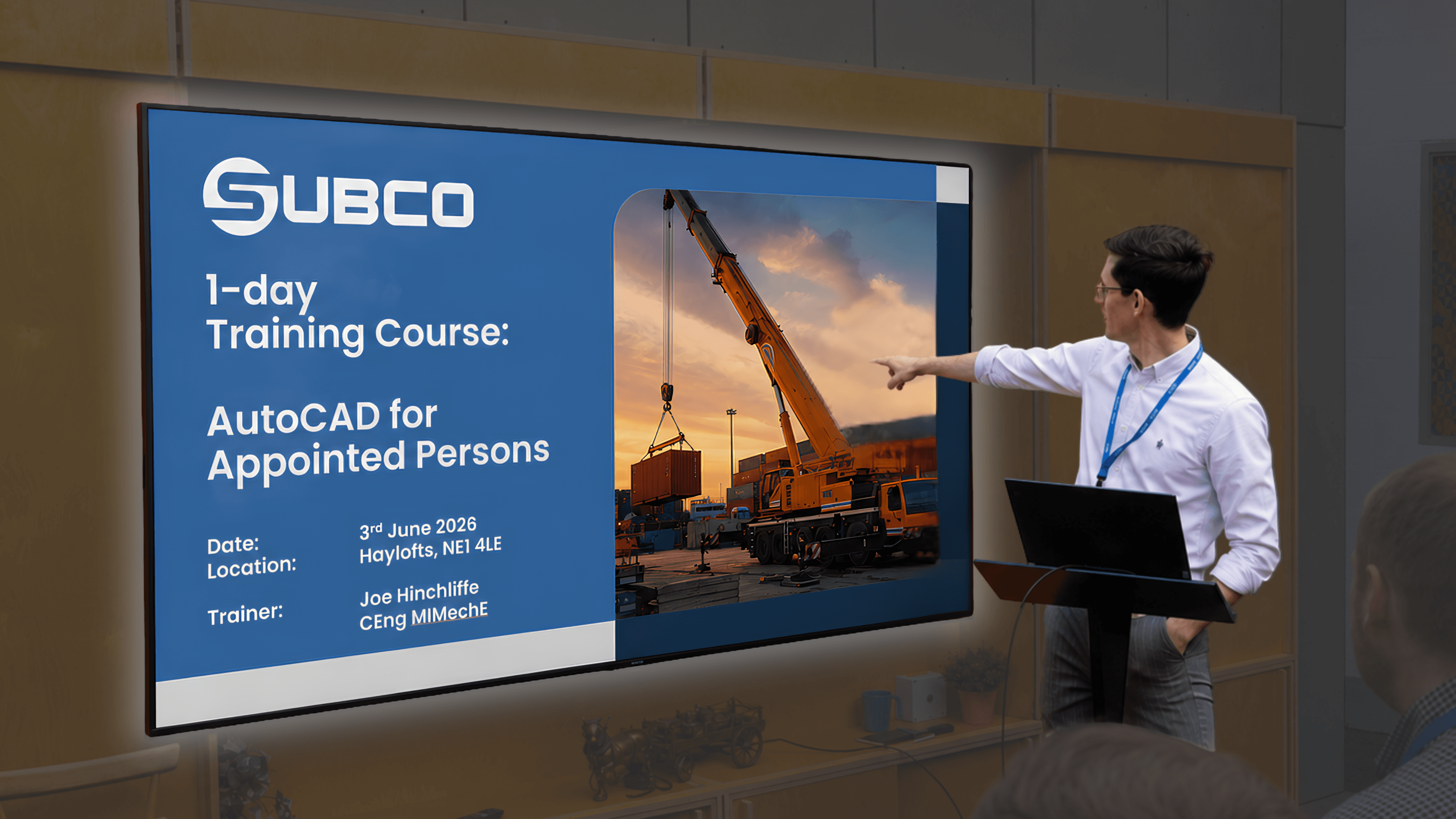
AutoCAD Training for Appointed Persons: Hand Drawn Lift Plans to Professional CAD Drawings
Appointed Persons, the workers legally accountable for planning every lift happening on site over at PD Ports, had been doing it the same way for years: hand drawn plans, on graph paper. Our very own Joe Hinchliffe CEng MIMechE delivered a bespoke one day AutoCAD training course to turn those pencil sketches into reusable AutoCAD digital drawings templates.
PD Ports run crane lifts across their Middlesbrough site daily, and every one of those lifts has to be planned and signed off each time by an Appointed Person. The job qualification is to plan lifts safely, not necessarily technically drawing it up with engineering software.
So what was the problem with hand-drawn lift plans?
There is no problem! But there’s always room for improvement and the site Engineering Manager trusted us to upskill those employees and get them working in digital AutoCAD environments instead, to create reusable and revisable personalized templates bespoke to the PD Ports operations, rather than sketch up drawings on paper, per lift.
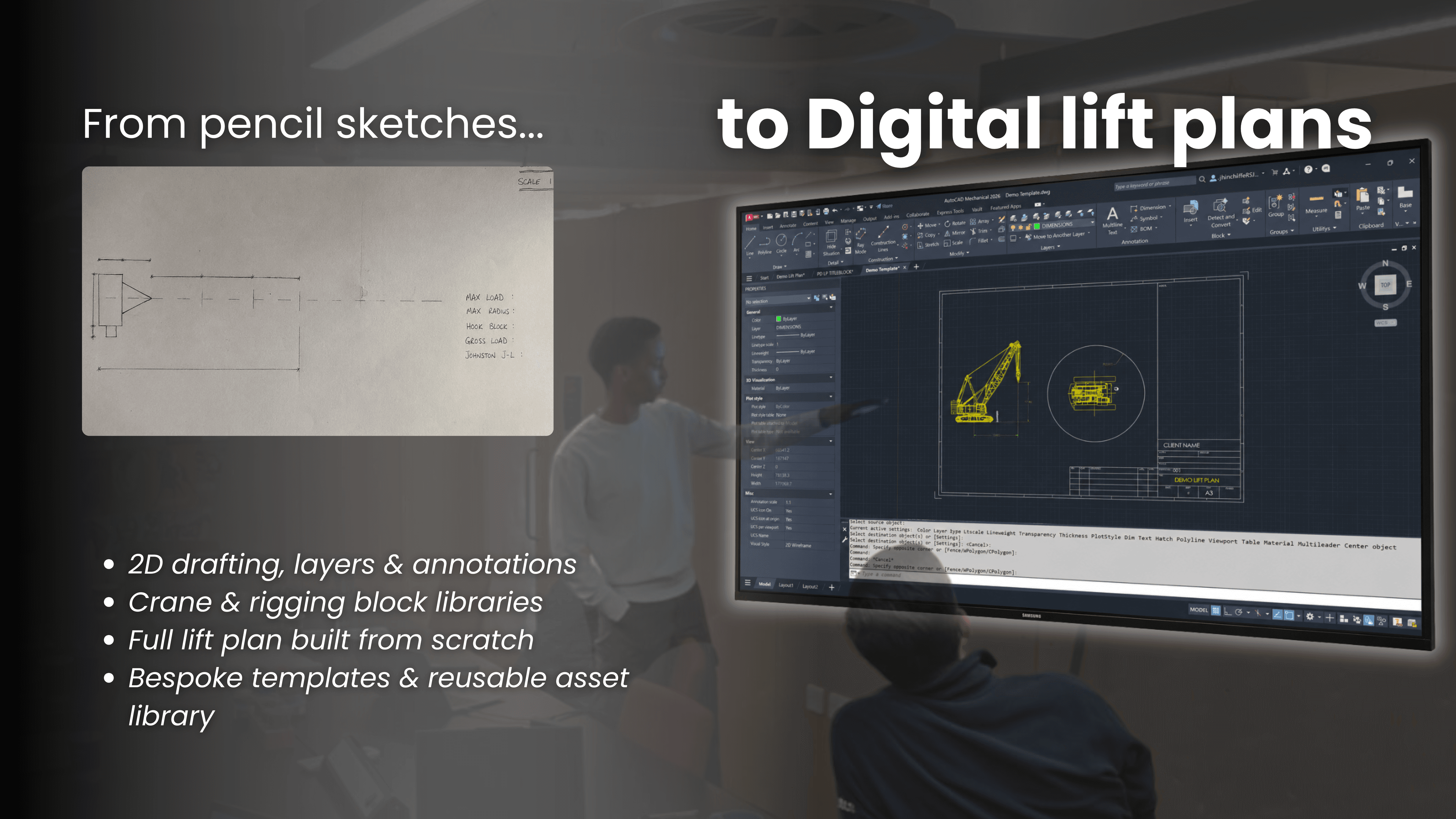
Alt text: Hand drawn lift plans vs. the new digital AutoCAD digital drawing interface.
How did we approach it?
1. A “needs” led course design
PD Ports handed over the lift plans their Appointed Persons had been working with, so we could plan the training session around the work they’re doing at their facilities, rather than deliver another generic AutoCAD tutorial.
2. Delivered by a practicing engineer
Joe Hinchliffe CEng MIMechE is a chartered mechanical engineer who’s also trained as an Appointed Person himself.
So the class wasn’t just being shown how to use software by an engineer, but rather was shown how an engineer who’s also worked in the role would go about it digitally.
3. Practical, hands on instruction
Roughly ten minutes of explanation, then straight to their own laptops, learning and immediately applying each new feature, till by the end of the day they’d all built completed reusable lift plan templates along with a takeaway cheat sheet for the tools they’d inevitably use again. The session also covered setting up shared block libraries, so the teams could continue building on it independently.
Why train with Subco?
Your staff are your #1 asset.
And rule #1 of asset protection: Invest in what you already have.
PD Ports' appointed persons had the kind of knowledge only 25 years of on site experience can teach.
We just backed that with a day of AutoCAD training, to take their team from great to greater.
Same team,
New tools
Sector:
Frequently Asked Questions
Is AutoCAD training worth the investment if Appointed Persons already work without it?
Yes, but it’s a shift in quality rather than capability. Hard workers will work hard regardless, our course just equips them with sharper tools
Does AutoCAD training improve long term output at port sites?
Yes, and the value compounds after the training ends. If the team leaves with reusable templates and shared block libraries, every future lift plan takes less time to produce, stays consistent across the team, and is easier to revise or hand over to future hires.
How does AutoCAD training reduce risk in lift planning documentation?
A hand drawn plan is one interpretation away from a mistake. Scales drawn by eye, and handwritten symbols could mean different things to different people. A digital plan uses one consistent and accurate scale, crane and rigging blocks and a format that holds up if a lift is ever questioned afterwards. Same lift, less room for ambiguity.
Does every Appointed Person need training, or just one per team?
Training the whole team is what actually makes the lesson stick. One trained person becomes a bottleneck, because everything has to always route through them. But if a whole team has been through the same training, they can all produce, share, and hand over drawings independently.
What happens to lift planning when an experienced Appointed Person leaves or is off site?
With hand drawn plans, that knowledge often leaves with the person. With a shared documents, the standard stays with the team, so anyone trained can pick up where another left off.